Food Photos From Your Phone That Print Beautifully
Updated 2026-10-13
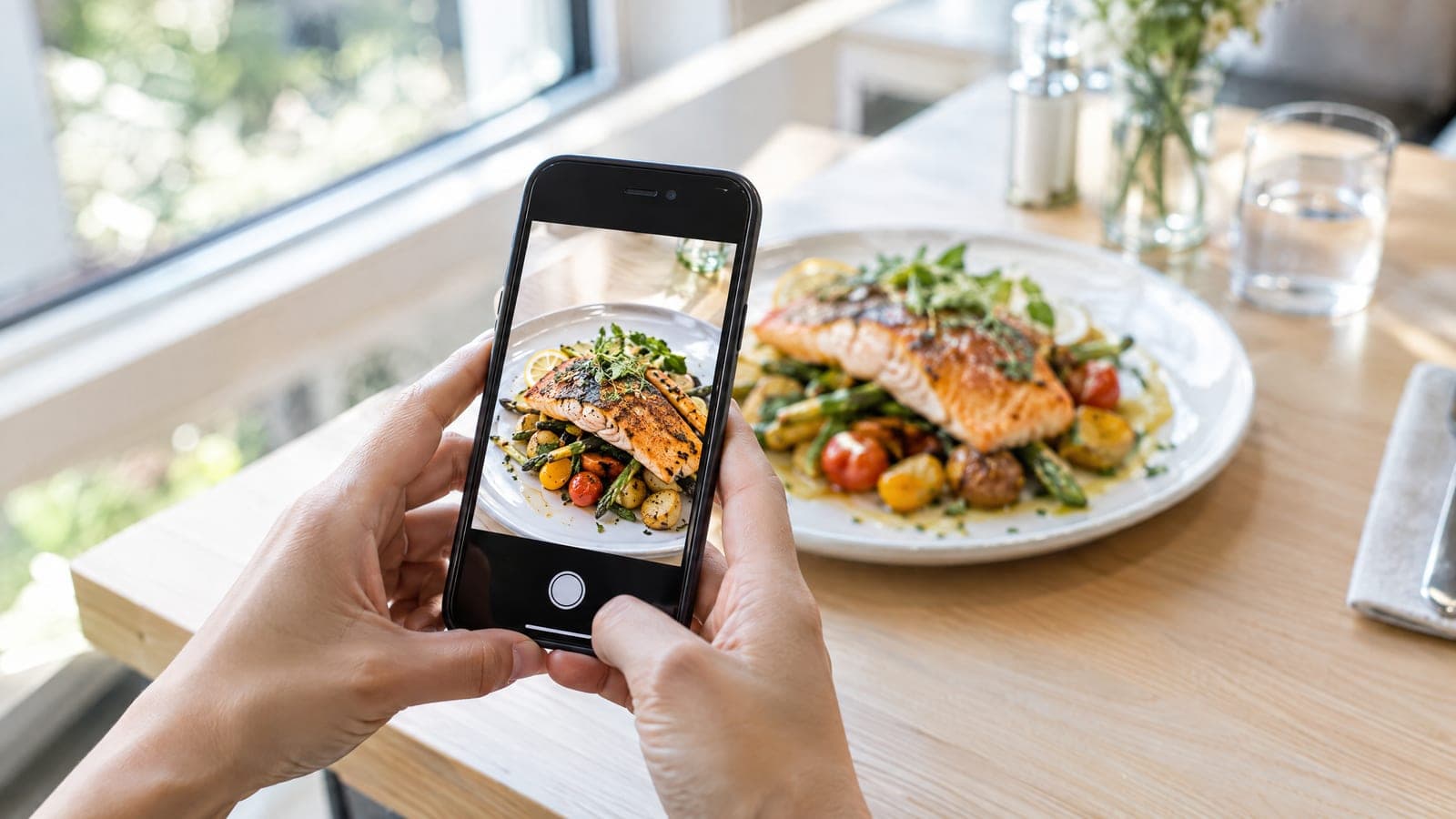
The photo is the ad. On a shared neighbourhood postcard your dish sits in a box about five inches wide, and the people who glance at it decide in a second whether they are hungry. Good news: for a print that size, the phone in your pocket is the right camera, and the best light in the world comes through your own front window for free. This guide is short on purpose. Three rules you have to follow, three things we fix for you, and the angle for each kind of dish.
The three rules we can’t fix for you
1. Shoot at lunchtime, by a window, lights off
This one rule is worth more than everything else on the page. Most owners try to shoot during dinner service, under warm pendant lights, with the window black behind the plate. The camera sees orange food and deep shadows, and no amount of editing brings the colour back. Instead: between about 11 and 3, put the plate on a table beside your biggest window and turn the overhead lights off. If the sun is coming straight in, pull the sheer or hang a sheet of paper over the glass. Light from the side shows the crust and the texture; light from behind the plate makes sauces and glazes shine.
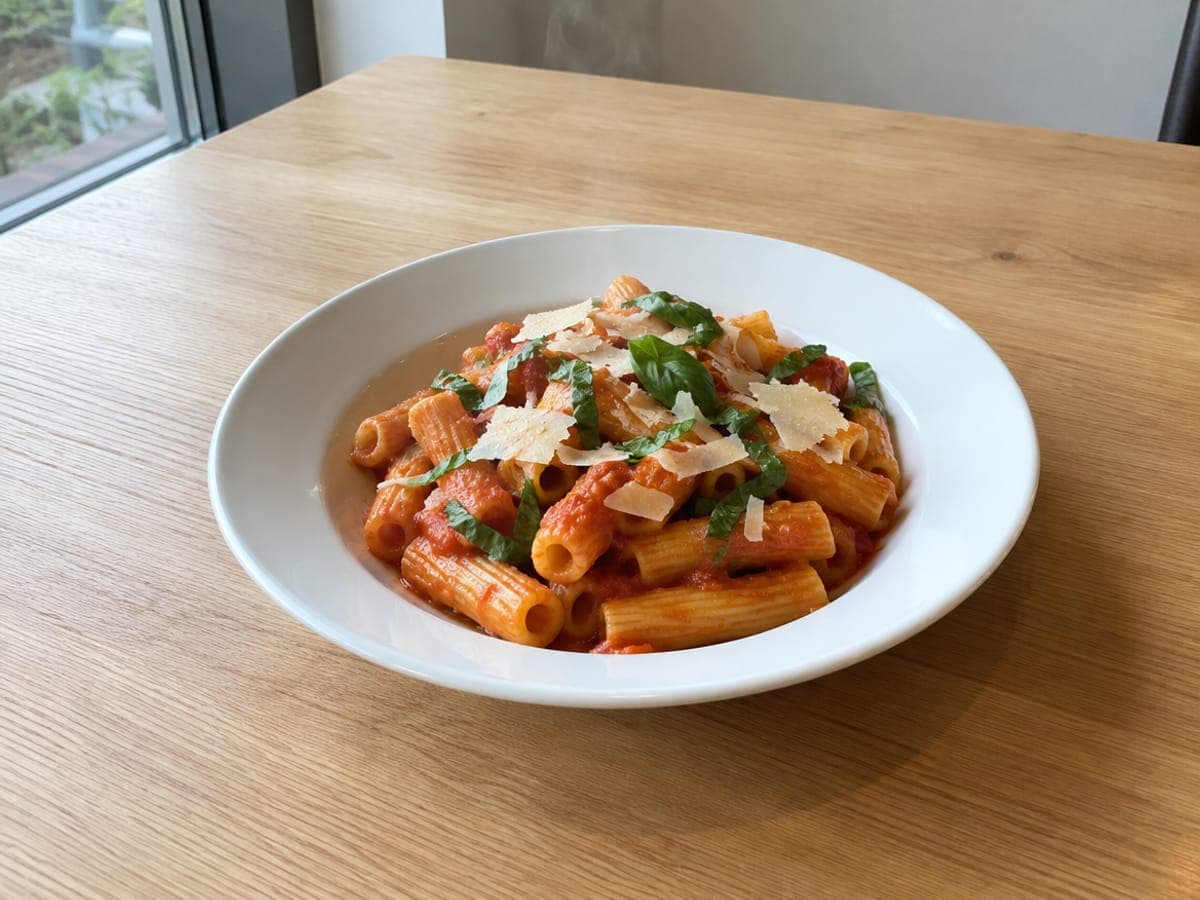
✓ Midday, beside the window, overhead lights off. The colours are the real colours.
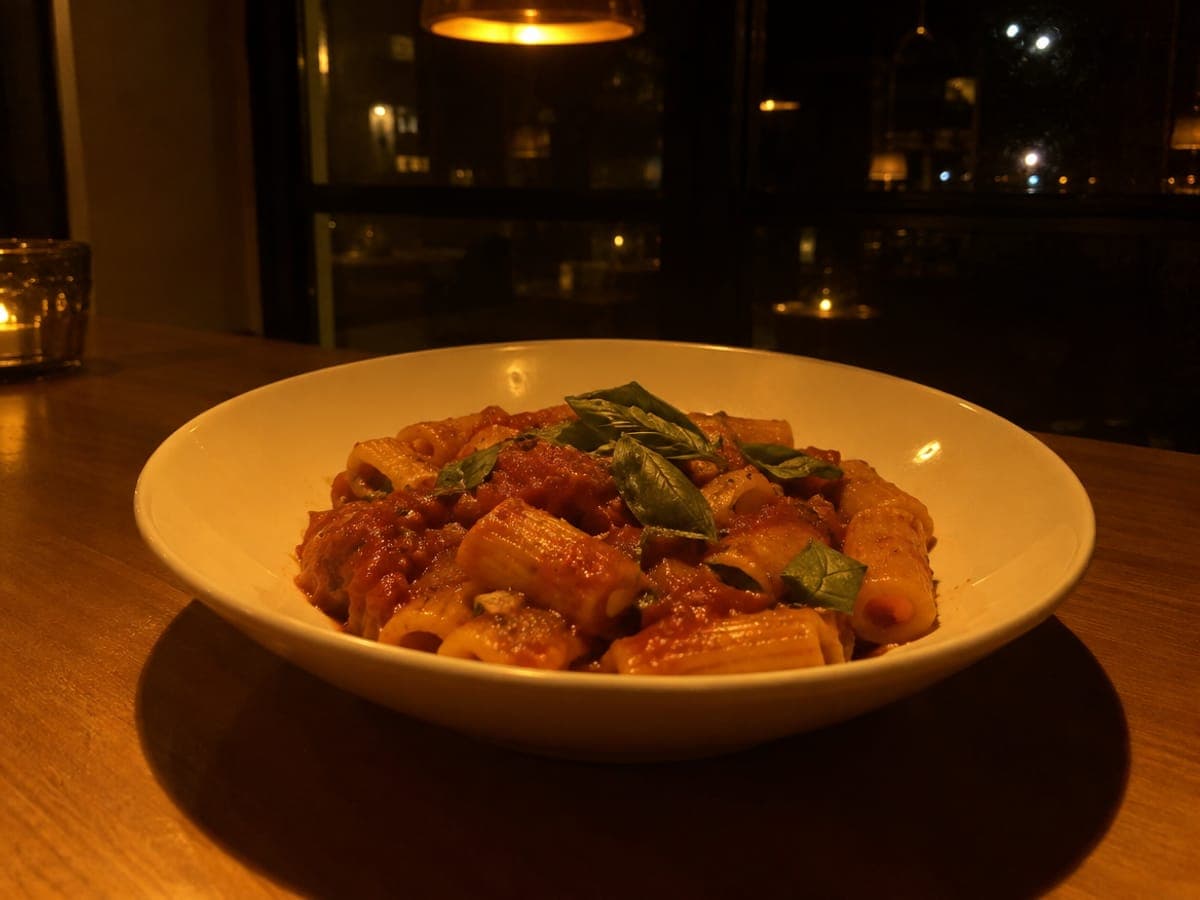
✗ Dinner service under a pendant light: orange, dark, and a black window. A reshoot, not an edit.
2. Hold still, and tap the food
Blur is the one thing that cannot be undone. Both hands on the phone, elbows against your body, and breathe out as you press. Tap the most appetizing part of the dish on the screen, the melted cheese or the glossy sauce, so the camera focuses there and not on the table. If the picture looks dull, slide the little sun that appears next to the focus square up a touch. Then take three; one will be the sharpest.
✓ Tapped on the basil, held still. Every edge is crisp.
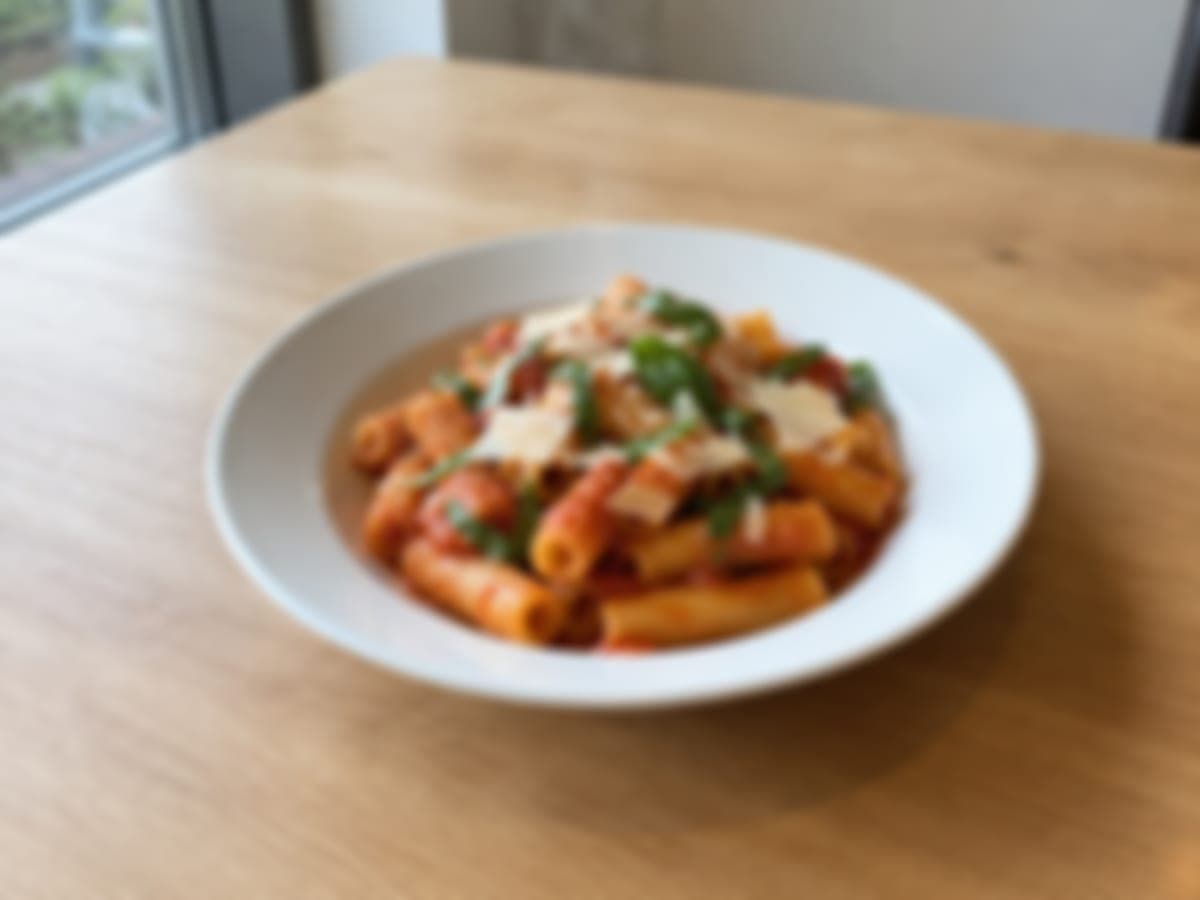
✗ A moving hand or a missed focus. Nothing in software can sharpen this.
3. Clear the table
One plate, as you serve it, and almost nothing else. A folded napkin, a glass, a lime wedge: fine. Ketchup bottles, the menu, your phone, the napkin dispenser, the next table’s plates: out of the frame. Plain wood, stone, a white plate. The food should be the only thing worth looking at.
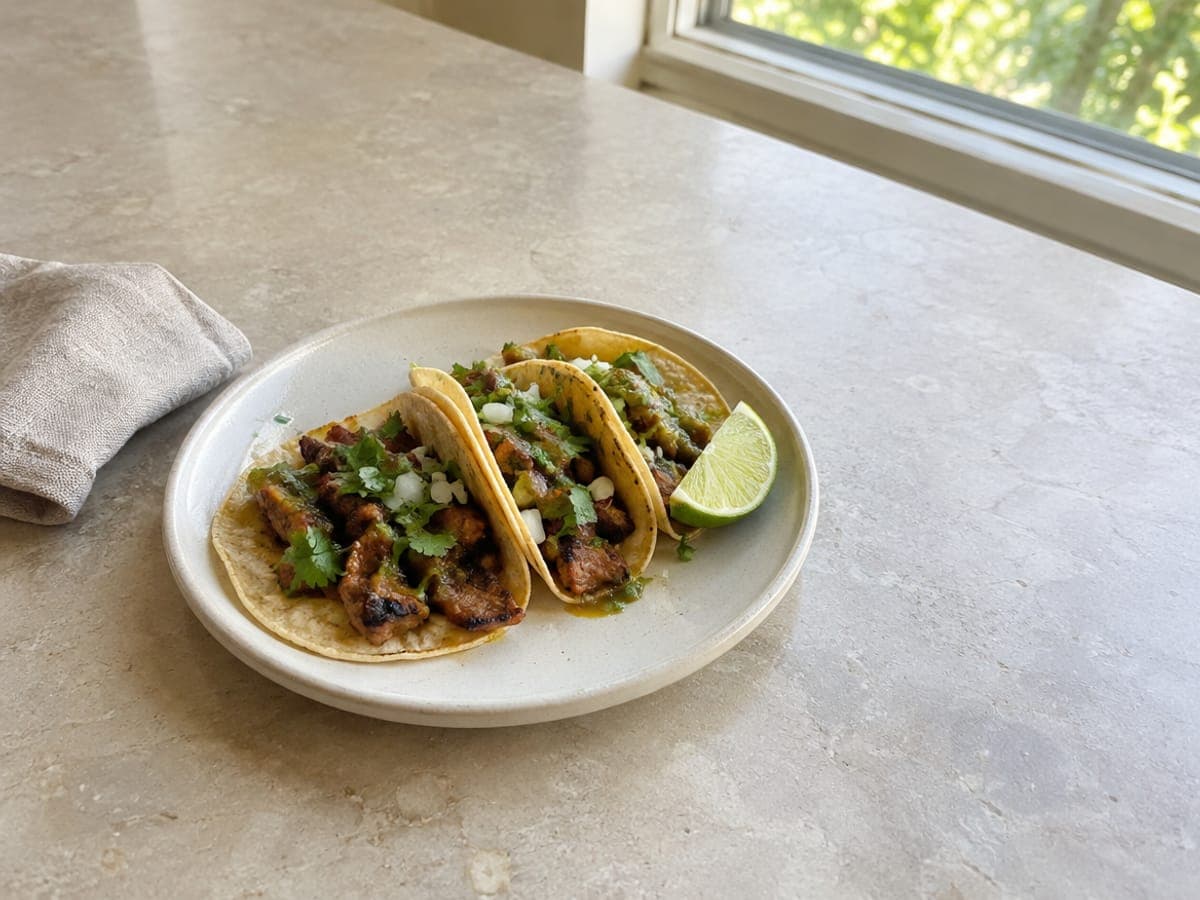
✓ A plate, a napkin, a lime. The eye goes straight to the food.
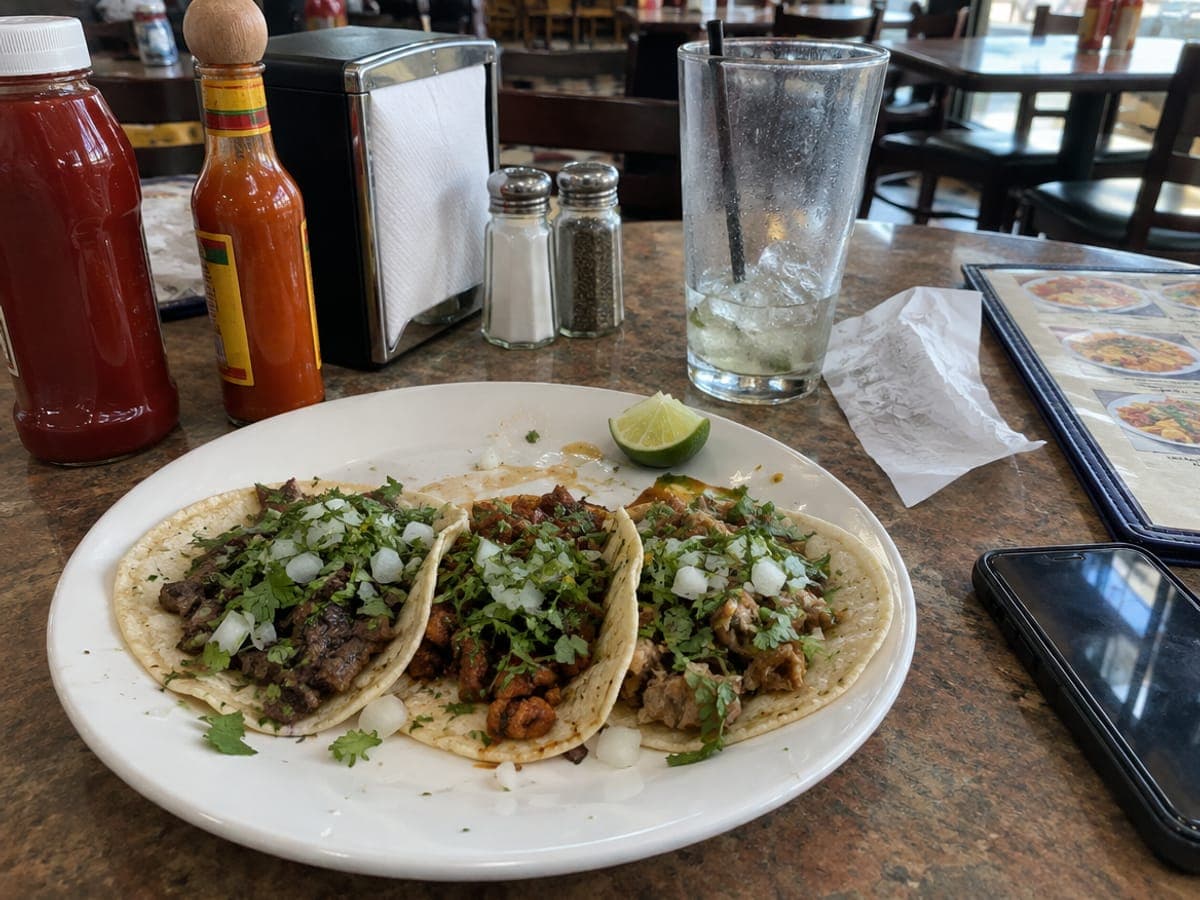
✗ Bottles, a menu, a phone, a receipt. The eye goes everywhere but the tacos.
The three things we fix for you
When you upload a photo we straighten it, balance the colour, bring up the brightness if the room was a little dim and sharpen it lightly for print. You do not need an editing app. You also do not need to crop: the ad is a different shape from your screen, so we do that, which brings one small habit worth learning.
Leave room around the plate
Step back a little, or zoom out. A photo that fills the frame edge to edge leaves us nothing to crop, and the plate ends up cut off in the ad. A little table around the dish is exactly what we need.
✓ Room on every side. We can fit this to any spot on the card.
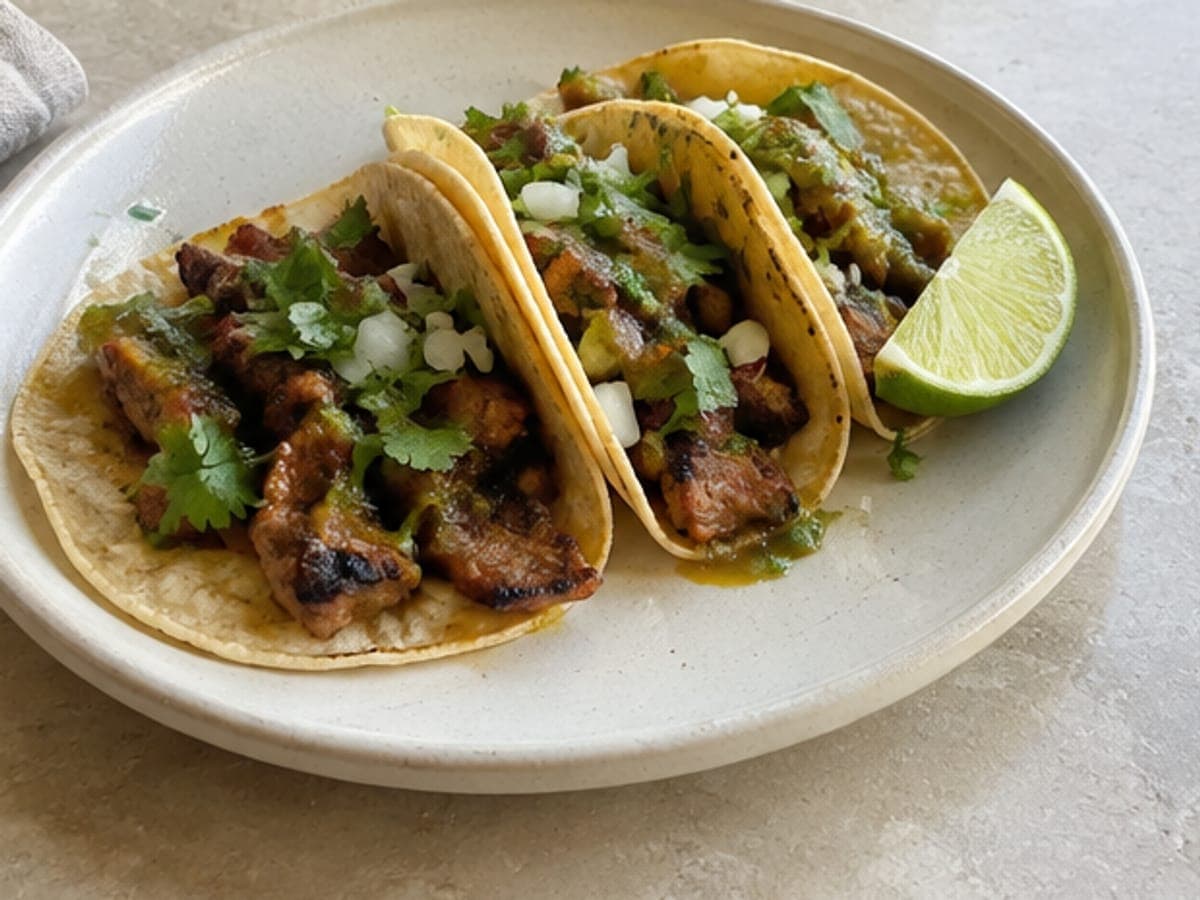
✗ Tight on the plate. Whatever we crop, something gets cut off.
The angle for each dish
Match the angle to the shape of the food. Tall things want to be seen from the side so the layers show; flat things want to be seen from above so the whole surface shows; most plates look best the way you see them sitting down.
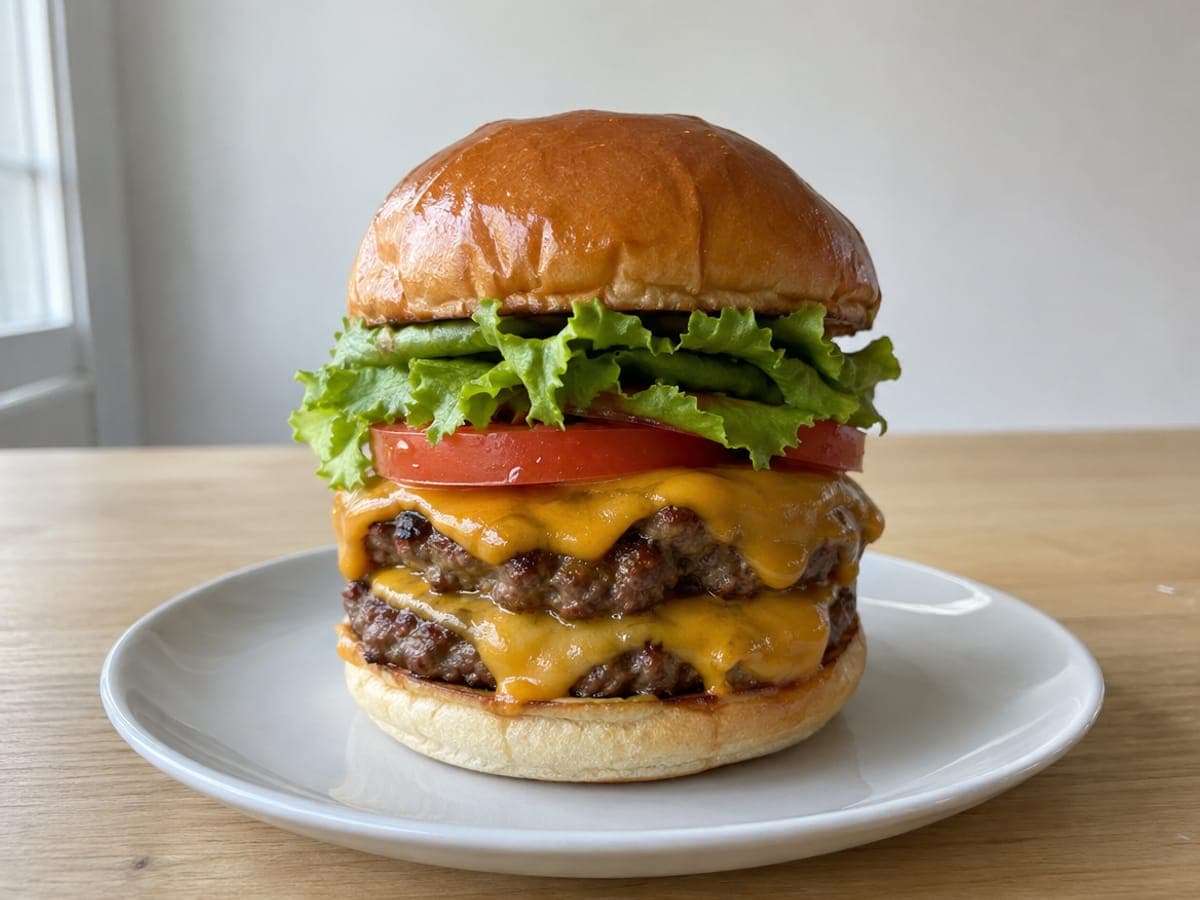
✓ Straight on, at table level. Lettuce, tomato, cheese, two patties.
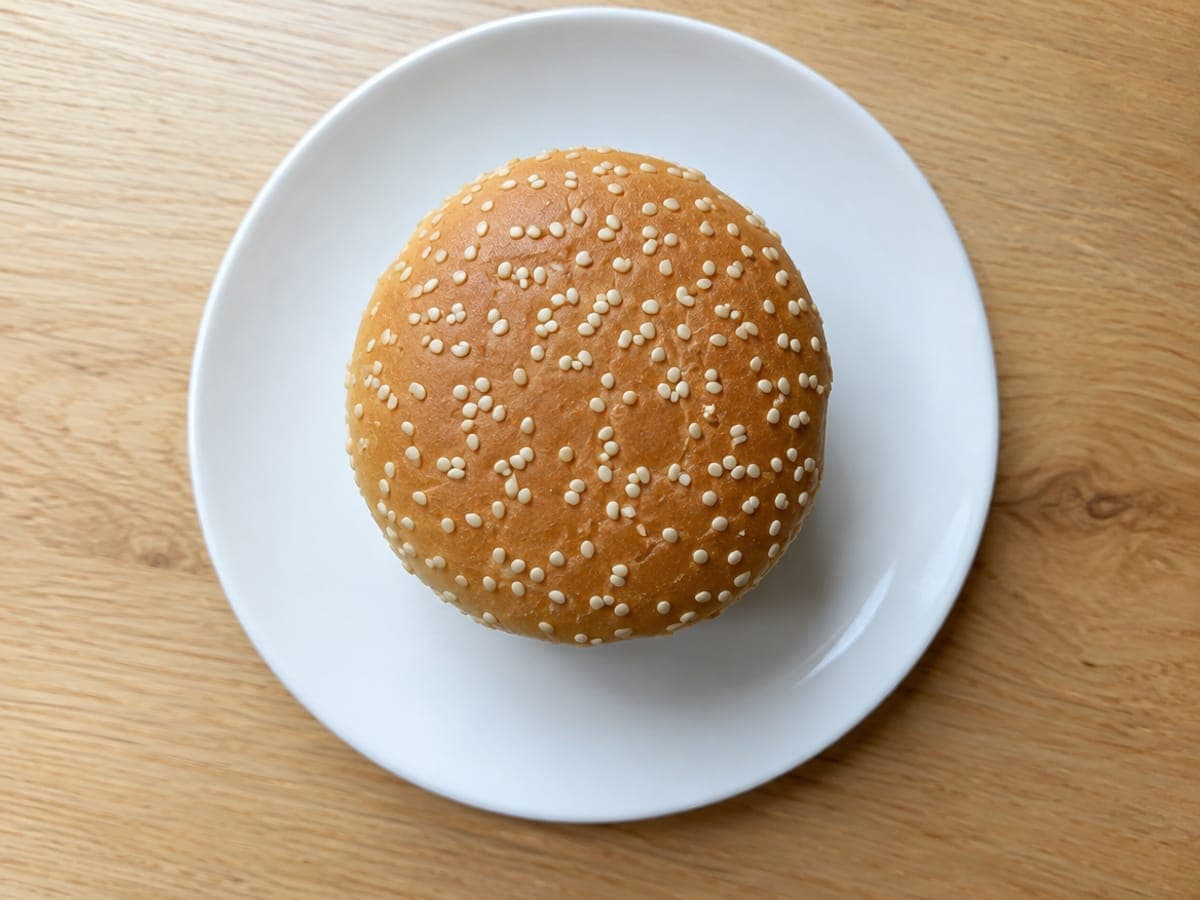
✗ From above, the same burger is a bun.
| Dish | Angle | Why |
|---|---|---|
| Burgers, sandwiches, stacked pancakes, cake slices | Straight on, phone at table height | The layers are the point. |
| Pizza, flatbreads, bowls, boards, a full table | Directly above | The whole surface shows and nothing hides behind anything. |
| Plated mains, pasta, salads, desserts, drinks | About 45 degrees | How a guest sees it; height and surface both show. |
| Soups, glazes, anything glossy | 45 degrees with the window behind the dish | Backlight makes liquids glisten. |
Your shot list
You need one great photo, not twenty. Shoot the dish people already photograph when they visit, and if you want options, add the dish you are proudest of and one drink or dessert. One plate per photo; a collage reads as a menu, not an ad. Take each one three times and keep the sharpest.
Phone settings, in one breath
Hold the phone upright: a restaurant spot on the card is tall, the same shape as an upright phone photo, so it fits with almost nothing cropped. Plain Photo mode (the upright hold is what matters, not the camera’s Portrait setting). The main 1× lens, not the wide 0.5×. Flash off. Tap the food, nudge the brightness, hold still. Leave the file format alone; HEIC, JPEG, it does not matter, we convert. Send the full-size original rather than a screenshot or a photo forwarded through a messaging app, which arrive too small to print.
What happens when you upload
Add the photo to your ad and we check it on the spot: focus, light, how much of the frame the plate takes, whether the table is clear. A green check means it will print sharp and you are done. A note means it is in and usable, with one tip for a better shot next time. Only four things earn a reshoot suggestion: blur, a dark dinner-service frame, too few pixels, or no dish in the picture. The message says which, in one sentence, and the fix is always the same: lunchtime, by the window, lights off. If you love the photo anyway, use it anyway; it is your food.
Questions owners ask
Do I need a professional photographer?
No. For a postcard ad about five inches wide, a phone made in the last several years has more resolution than the print can use. What matters is the light, a steady hand and a clean table, and that is what this guide covers. If you would still like a pro, we are happy to recommend one.
Which phone settings should I use?
The plain Photo mode on the main 1× lens. Not Portrait mode, which fakes the blur and chews the edges of plates in print, and not the wide 0.5× lens, which stretches the dish. Flash off. Leave the format as it is; we convert HEIC.
Can I use the photos from my Instagram or my website?
If you took them, yes, as long as you have the full-size original rather than a screenshot. Photos on delivery apps are often the app's own and may not be yours to print, so shoot your own.
What happens to the photo after I upload it?
We check it for focus, light and framing, straighten it, balance the colour, bring up the brightness if the room was dim and sharpen it lightly for print. We never add or invent anything in the picture; it stays your food, as served.
What if the check doesn’t like my photo?
You can still use it. The check only recommends a reshoot for four things: the photo is blurred, too dark (usually shot during dinner service), too small (a screenshot or a photo forwarded through a messaging app) or has no dish in it. It tells you which in one sentence; the fix is always a reshoot by a window at lunchtime, but it is your food and your call, so "Use it anyway" is right beside the tip.
Put the photo in front of your neighbours
A community card is a shared postcard mailed to every home on the carrier routes you pick, one business per category, from about $15 a route. Your photo is the ad; we design the rest around it.
See community cards